Selecting a cloud communications platform used to be a straightforward hardware replacement exercise. Today, evaluating the best UCaaS providers in the United States often feels like wading through nearly identical feature matrices. Almost every commercial provider promises clear voice calls, video meeting rooms, team messaging, and desktop applications. Yet behind those polished product tours lie vast differences in network architecture, platform reliability, customer support quality, and post-deployment costs.
When every vendor claims to offer an end-to-end solution, technical buyers and business leaders face a subtle challenge. Feature tick-boxes rarely reveal how a system performs during a sudden regional Internet outage, how seamlessly it integrates with existing directory structures, or how much administrative effort is required to maintain user profiles across fifty branch offices. Finding the right platform requires looking past marketing gloss to examine operational fit.
How to identify the best UCaaS provider for your business:
Identifying the right provider involves evaluating network uptime, administrative flexibility, and native integration with your core business software. Rather than seeking a single market leader, match a vendor’s support structure, security controls, and regulatory capabilities directly against your operational requirements, existing technology investments, and internal technical capabilities.
What does unified communication as a service mean for your business?
Strip away the vendor jargon, and unified communication as a service describes a software architecture that brings multiple core communication channels together into a single cloud-hosted framework. Instead of managing a private branch exchange (PBX) cabinet in an IT closet, an email server down the hall, and separate third-party subscriptions for web conferencing and internal chat, a modern provider delivers these capabilities through one managed cloud infrastructure.
In practical terms, a complete platform standardises six fundamental operational capabilities:
- Cloud telephony: Inbound and outbound voice calling, interactive voice response (IVR) menus, call routing, auto-attendants, and voicemail management.
- Video meetings: High-definition video conferencing, virtual meeting rooms, screen sharing, and digital whiteboarding.
- Unified messaging: Team chat channels, direct messaging, persistent conversation threads, and SMS/MMS business texting.
- Presence indicators: Real-time status updates showing whether colleagues are available, in a call, or in a meeting across all connected devices.
- Platform administration: Centralised web portals for provisioning extension numbers, setting security policies, and tracking call analytics.
- Business integrations: Pre-built connectors that link communication tools directly into CRM platforms, email clients, and helpdesk ticketing systems.
It is helpful to distinguish this comprehensive model from basic Voice over Internet Protocol (VoIP) calling. Standard business VoIP simply routes voice calls over an Internet connection instead of traditional copper copper wire. Cloud unified communications, by contrast, treats voice as just one element within a broader, cloud-hosted environment. As outlined in the standard NIST definition of cloud computing, this cloud delivery model relies on multi-tenant infrastructure, on-demand resource provisioning, and continuous web accessibility, eliminating on-premises voice hardware while improving operational flexibility.
Why “best” depends entirely on your operational context
There is no universally superior platform in the telecom market. A system that delights a fifty-person marketing agency can easily turn into an administrative headache for a multi-state manufacturing firm or a heavily regulated healthcare provider.
Evaluating telecom options requires assessing how well a vendor aligns with your daily operations:
- Small businesses: Priority usually centers on predictable monthly pricing, simple web administration, and quick deployment without complex hardware configuration.
- Multi-location and hybrid enterprises: Success depends on centralized user management, consistent call quality across varied home and office networks, and flexible extension routing.
- Regulated industries: Financial institutions, legal firms, and healthcare organisations require strict data encryption, clear audit logs, and compliance support such as HIPAA agreements or PCI-DSS standards.
- Sales and contact-heavy teams: Performance relies on automated call logging, click-to-dial functionality, and tight integration with platforms like Salesforce, HubSpot, or Microsoft Dynamics.
- Microsoft or Google-centric organisations: Companies deeply committed to Microsoft 365 or Google Workspace often prefer voice architectures that extend those existing productivity tools rather than introducing a completely separate interface.
For organizations seeking curated database directories or independent guidance on technical deployment, specialized telecom portals like DiscoverMSPs offer valuable benchmark data to simplify vendor comparisons.
What should you compare first?
Before arranging product demonstrations or requesting formal proposals, IT leaders and procurement teams should establish clear evaluation criteria. Focusing on these core operational metrics early prevents costly deployment surprises later:
- US service availability and network architecture: Look for providers operating geographically redundant data centres with carrier-grade infrastructure to ensure consistent call quality and minimal jitter.
- Service-level agreements (SLAs): Examine the vendor’s guaranteed uptime targets, noting whether financial credits apply to core voice infrastructure or merely the overall application portal.
- Security and identity management: Verify support for single sign-on (SSO), multi-factor authentication (MFA), role-based access controls, and end-to-end data encryption in transit and at rest.
- Regulatory and emergency compliance: Confirm proper E911 dynamic location tracking, compliant call recording capabilities, and adherence to industry-specific privacy standards.
- Business software integrations: Check whether key software integrations work out of the box or require custom API development and third-party middleware fees.
- Number porting and migration support: Understand how the vendor handles phone number porting from legacy carriers, including estimated timelines and dedicated cutover assistance.
- Administrative control and reporting: Evaluate the central dashboard for user management, real-time call monitoring, custom call flow creation, and historical usage analytics.
- Contractual flexibility and terms: Inspect baseline contract lengths, auto-renewal clauses, price increase terms upon renewal, and user count scale-down policies.
- Technical support structure: Clarify whether tier-three engineering support is available 24/7 or restricted to higher pricing tiers, and confirm average response times for priority tickets.
- Total cost of ownership: Calculate total expenditure by accounting for base licence costs, mandatory regulatory fees, international calling rates, hardware requirements, and add-on module charges.
With these operational criteria clearly established, the next step is examining how the market’s leading telecom providers compare across real-world deployment scenarios.
How do the best UCaaS providers in the USA compare in 2026?
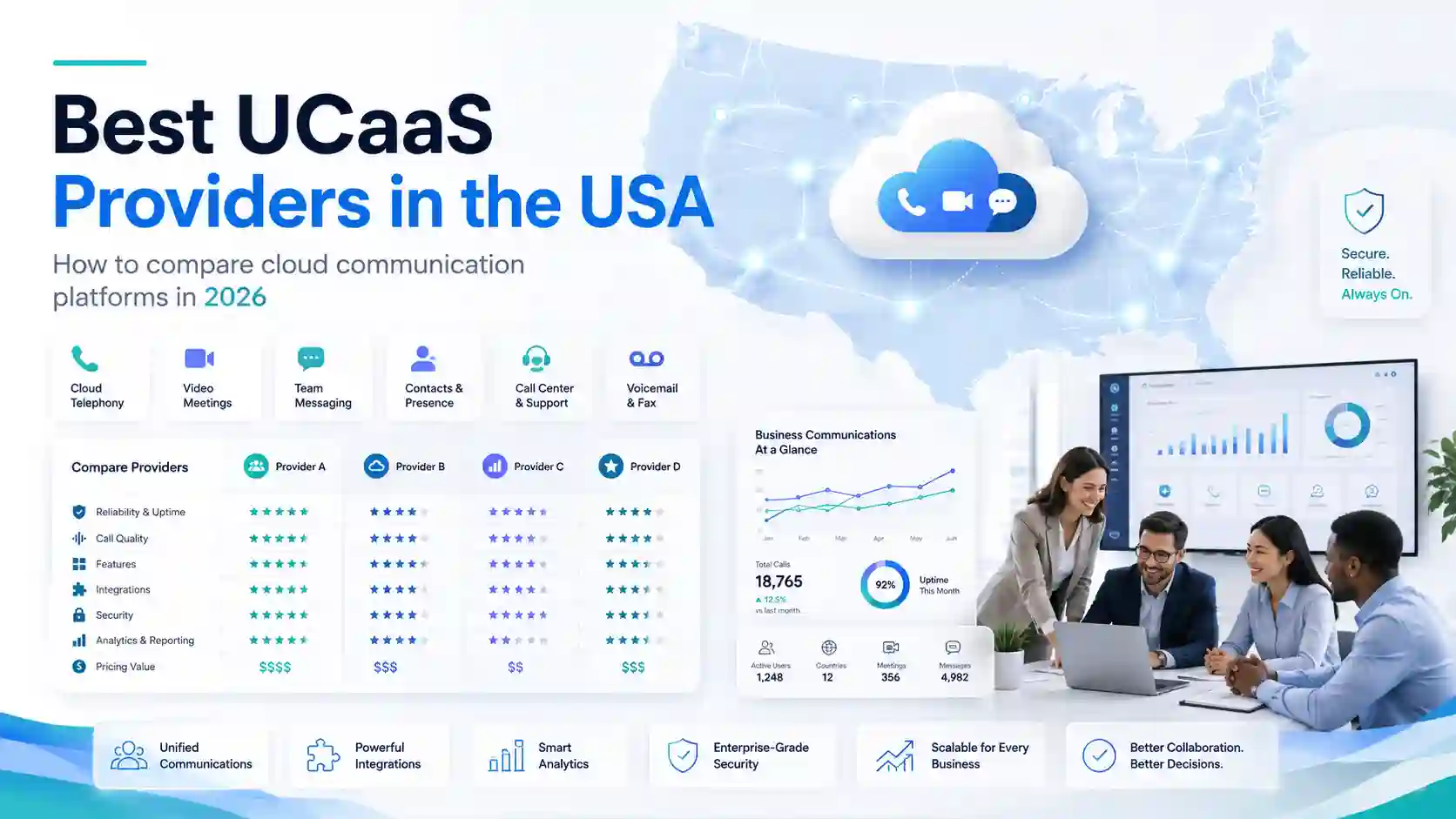
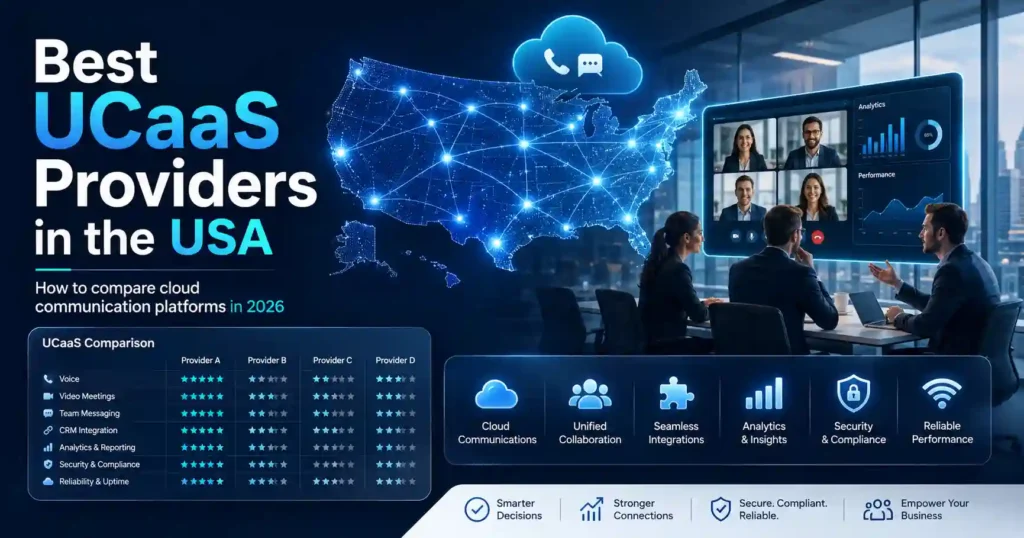
Comparing cloud communications platforms requires looking beyond software feature lists to evaluate how each platform fits into an organisation’s wider operational environment. While most commercial platforms deliver reliable calling, video meetings, and team messaging, their underlying architectures, support models, and integration capabilities vary significantly.
Distinguishing between these options is particularly important when navigating regulatory compliance and network standards. The FCC definition of interconnected VoIP service establishes clear legal standards for platforms that route calls to and from the public switched telephone network, including mandatory Enhanced 911 (E911) routing, number portability, and Universal Service Fund obligations. How effectively a provider manages these underlying telecom obligations directly impacts compliance overhead and service reliability.
The comparison table below provides a practical summary of major cloud communication platforms serving US businesses, highlighting their ideal operational fit, primary advantages, and technical trade-offs.
| Provider | Best suited to | Notable strengths | Points to examine | Ideal business profile |
| RingCentral | Complex multi-site organisations and call-heavy teams | Deep CRM integrations, extensive phone system controls, reliable core global voice | Add-on costs for advanced capabilities; complex admin interface | Mid-market to enterprise companies needing advanced call routing |
| Microsoft Teams Phone | Organisations fully committed to Microsoft 365 | Seamless user interface, centralized IT licensing, familiar application workflow | Requires PSTN connectivity planning (Direct Routing or Operator Connect) | Microsoft-centric businesses wanting to consolidate vendor tooling |
| Zoom Phone | Distributed workforces seeking simple, reliable calling | Intuitive administration, fast adoption, flexible PSTN peering options | Less deep in specialized enterprise contact centre features | Growing mid-sized businesses prioritizing ease of use and quick setup |
| Cisco Webex Calling | Large enterprises and secure multi-location networks | Enterprise-grade security, robust hardware ecosystem, dependable audio quality | Higher configuration complexity; elevated total cost for basic seats | Global enterprises and institutions with existing Cisco network gear |
| 8×8 | Global operations needing unified communications and contact centre | Integrated CCaaS capability, transparent international calling options | User experience across mobile and desktop apps can feel inconsistent | International organisations combining front-office and back-office voice |
Detailed provider profiles
RingCentral
RingCentral remains a strong option for organisations that require a feature-dense cloud PBX capable of handling intricate calling structures, multi-tier auto-attendants, and high-volume voice traffic. Its broad catalog of pre-built integrations with platforms like Salesforce, ServiceNow, and Google Workspace allows organisations to embed calling workflows directly into daily business operations.
The primary trade-off with RingCentral lies in its administrative depth. For small businesses with basic requirements, the administrative portal can feel overly complex, and navigating pricing tiers requires careful attention to ensure required features, like automated call recording or advanced analytics, are included without unexpected add-on fees.
RingCentral is a practical fit for mid-market and enterprise operations that treat voice as a primary operational channel and need granular administrative control across multiple office locations.
Microsoft Teams Phone
For businesses already using Microsoft 365, Microsoft Teams Phone offers a natural way to consolidate communications. By enabling voice calling directly within the familiar Teams desktop and mobile applications, organisations can eliminate separate softphone applications and simplify software licensing under a single vendor umbrella.
However, prospective buyers must evaluate how they will connect to the public telephone network. While Microsoft offers native Calling Plans, larger or multi-location companies often opt for Direct Routing or Operator Connect. Working alongside experienced managed service providers for telecom helps ensure carrier connectivity, call quality, and emergency routing protocols are properly configured behind the Teams interface.
Microsoft Teams Phone is better suited to organisations seeking to leverage existing Microsoft licensing, though companies with highly complex legacy call-center routing may find standalone PBX platforms more adaptable.
Zoom Phone
Zoom Phone has established itself as a major contender by extending its widely adopted video interface into a modern cloud phone system. Its principal advantage is operational simplicity; employees adapt quickly to the softphone layout, and IT administrators benefit from a streamlined management portal for user provisioning and device assignment.
While Zoom Phone provides dependable voice quality and flexible architecture options including Bring Your Own Carrier (BYOC) models it may require closer examination if your team needs highly specialized vertical integrations or complex legacy hardware support out of the box.
Zoom Phone is a compelling choice for distributed workforces and mid-sized companies looking for a reliable, easy-to-manage voice service that minimizes training time and administrative overhead.
Cisco Webex Calling
Cisco Webex Calling is worth considering when network resilience, enterprise security, and hardware integration are top priorities. Built on enterprise-grade infrastructure, Webex excels in environment management, offer-level security controls, and seamless pairing with Cisco’s extensive line of desk phones and room systems.
The main consideration for procurement teams is total deployment cost and technical complexity. Designing and maintaining a Webex Calling architecture typically demands dedicated IT expertise or specialized certified partner support, making it less practical for smaller firms without dedicated technical resources.
Cisco Webex Calling remains a solid match for large enterprises, healthcare systems, and financial institutions that require strict regulatory compliance, centralized network monitoring, and proven enterprise hardware support.
Continuing from the platform profiles, several other verified options serve distinct operational profiles across the US communications market.
8×8
8×8 offers a compelling value proposition for businesses that need to combine unified communications with customer service tools on a single cloud architecture. By pairing standard voice, video, and team chat with integrated contact centre features, 8×8 eliminates the traditional operational divide between back-office staff and customer-facing service teams. Its global calling footprint and clear international pricing structures also make it a strong candidate for businesses operating across multiple countries.
The trade-off often centers on administrative onboarding and platform tiers. Accessing advanced call analytics, CRM connectors, and contact-centre capabilities requires navigating specific license tiers, which can increase overall costs if not properly structured during procurement.
8×8 is a practical fit for mid-market firms and growing enterprises seeking a single vendor for both UCaaS and CCaaS requirements.
Dialpad
Dialpad stands out for its native, cloud-first architecture designed around automated call intelligence and real-time transcription. Rather than adding speech analytics as a third-party add-on, Dialpad embeds live call summaries, action item tracking, and customer sentiment insights directly into its standard user interface.
While its modern software interface appeals to sales and support teams that rely on immediate conversational data, organisations with extensive legacy desk phone fleets or highly complex PBX hardware setups may find hardware integration less seamless compared to legacy telecom providers.
Dialpad is worth considering for fast-growing, software-centric teams that want to extract actionable data from daily voice conversations without incurring heavy administrative overhead.
Nextiva
Nextiva focuses on delivering an intuitive, customer-centric communications suite that combines voice, team messaging, and customer relationship monitoring into a clear single-pane interface. Known for its accessible customer support and simple setup, Nextiva reduces the technical friction traditionally associated with migrating from on-premises hardware.
For large global enterprises requiring complex international SIP trunking or specialized hardware configurations, Nextiva’s focus on ease of use may feel less tailored to deeply custom IT architectures compared to traditional enterprise vendors.
Nextiva is a solid choice for small to mid-sized US businesses seeking reliable calling, customer management tools, and dependable customer service.
Which UCaaS provider is best for your type of business?
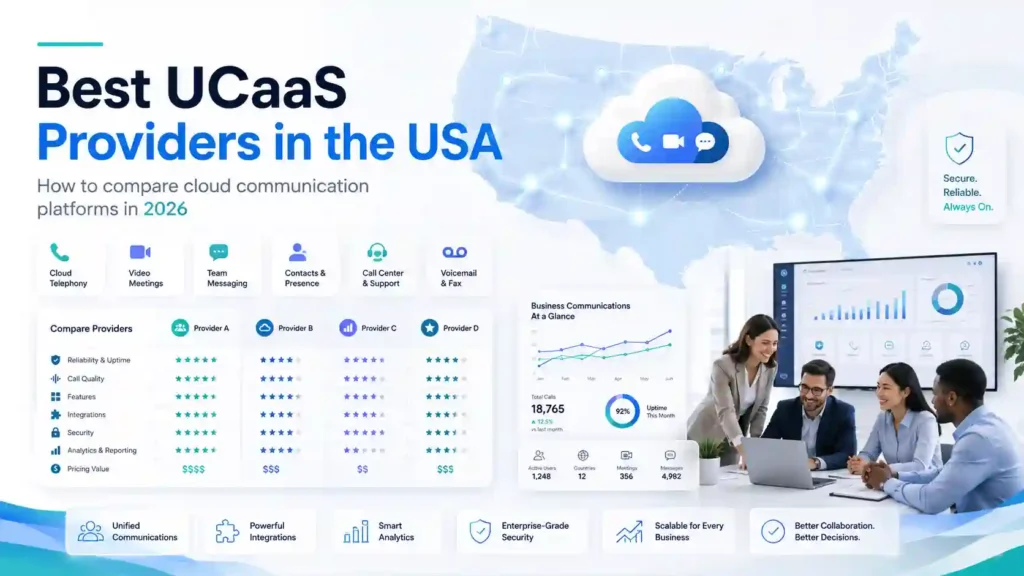
Because platform evaluation depends on your existing technology stack and operational goals, comparing providers by specific business scenarios yields better decisions than relying on arbitrary rankings:
- Best for small companies wanting simple administration: Nextiva or Zoom Phone offer straightforward management portals, transparent setup procedures, and low technical friction.
- Best for Microsoft-centred organisations: Microsoft Teams Phone provides the tightest workflow alignment for businesses already standardized on Microsoft 365 licensing.
- Best for complex enterprise communications: Cisco Webex Calling or RingCentral excel at handling multi-site call routing, extensive hardware environments, and deep enterprise software integrations.
- Best for combining UCaaS and contact-centre services: 8×8 provides a unified environment that connects general office staff directly to customer service agents on a shared platform.
- Best for sales teams prioritizing conversation intelligence: Dialpad offers built-in live transcription, automated coaching tools, and instant call summaries out of the box.
Do you need a UCaaS vendor or a managed telecom partner?
Purchasing a cloud software licence is rarely the same as achieving an operational, reliable phone system. While cloud vendors deliver functional software portals, deploying and maintaining a business-grade communication network involves technical tasks that fall outside a basic vendor subscription.
A software vendor’s responsibility typically stops at their cloud data centre edge. Ensuring high-quality voice delivery across your specific corporate networks, remote offices, and mobile devices requires distinct technical execution:
- Network readiness assessments: Evaluating local area networks, firewalls, and bandwidth availability to prevent packet loss, latency, and call jitter.
- SIP and carrier coordination: Managing complex number porting schedules, circuit cutovers, and emergency backup routing across multiple locations.
- Identity and security policies: Aligning single sign-on parameters, multi-factor authentication, and role-based administrative access with internal corporate standards.
- Hardware and device management: Provisioning, updating, and supporting physical desk phones, conference room kits, and softphone clients across distributed employees.
For organisations without dedicated in-house telecom engineers, engaging specialized managed service providers for telecom provides end-to-end implementation and ongoing operational accountability. Evaluating current IT and telecom industry data or consulting an independent MSP database can help procurement teams identify qualified technical partners capable of overseeing complex multi-site deployments.
How can a buyer create a reliable UCaaS shortlist without spending weeks researching providers?
Building an effective shortlist requires shifting focus away from generic feature checklists toward vendor capabilities that directly address your organization’s core technical constraints and daily communication flows.
- Define required outcomes: Identify specific operational goals, such as reducing monthly carrier costs, unifying remote offices, or integrating voice calls into a core CRM platform.
- Separate essential features from preferences: Differentiate between non-negotiable requirements (like E911 dynamic routing or specific CRM connectors) and secondary features.
- Verify US coverage and SLAs: Confirm network redundancy, regional data centre availability, and uptime guarantees backed by meaningful financial remedies.
- Review support ownership: Clarify whether ongoing technical support is managed directly by the platform vendor or handled through a certified channel partner.
- Validate migration requirements: Audit existing phone numbers, call flows, hardware assets, and contract expiration dates to establish realistic deployment timelines.
- Shortlist by operational fit: Select three candidate platforms that align directly with your technical environment, internal expertise, and budget structure.
Before committing to a long-term agreement, verifying vendor data, privacy practices, and partner qualifications ensures your chosen communications strategy rests on reliable information.
How Can You Verify a UCaaS Providers USA Shortlist?
A dependable list of unified communications suppliers must do far more than assemble company names and general customer support lines. For technology buyers, SaaS vendors, channel leaders, and partnership teams, a verified market list provides actionable intelligence to evaluate provider suitability before entering formal procurement discussions.
Depending on the specific dataset requested, a structured business-to-business list generally includes core attributes such as:
- Provider name and primary domain: Official operating names and primary web addresses.
- Headquarters and regional locations: Primary corporate addresses alongside verified operational hubs across the United States.
- Service classification: Clear distinction between native UCaaS platforms, telecom-led cloud providers, hosted PBX specialists, and managed service partners.
- Specialisation and technology focus: Primary communications focus, supported platform integrations, and adjacent cloud capabilities.
- Business size and market footprint: Employee headcount ranges and approximate customer segment focus.
- Channel model: Information indicating direct sales structures, agent networks, or certified reseller ecosystems.
- Decision-maker roles: Function-specific contact information for relevant IT, procurement, or channel management leads.
- Data recency and verification markers: Timestamps or verification indicators reflecting when information was last validated.
- CRM-ready formatting: Standardised file structures designed for easy import into common sales and procurement software.
How do I know whether a telecom providers database USA list is relevant?
Evaluating the quality of a telecom providers database USA requires examining how the data was gathered and how accurately it reflects the current cloud communications landscape.
- Industry and service categorisation: Confirm that the provider records clearly distinguish between general IT service businesses, pure-play cloud voice vendors, and specialized contact centre platforms.
- Geographic relevance: Verify that listed locations correspond to genuine operational presence and network coverage within the target US regions.
- Company-size alignment: Ensure the database allows filtering by company size so that enterprise-level procurement teams do not waste time evaluating small local resellers, or vice versa.
- Role relevance: Check that listed professional contacts represent decision-makers in IT, telecom management, procurement, or channel partnerships.
- Sample record verification: Review a representative sample file to test formatting consistency, contact validity, and field completeness.
- Data recency and refresh procedures: Enquire about the methodology and cycle used to update records and remove inactive entities.
How can I make sure DiscoverMSPs provides the right telecom data?
Before purchasing specialized intelligence from platforms like DiscoverMSPs, buyers should follow a structured validation process to confirm that the dataset directly aligns with their campaign or evaluation goals.
- Define your exact profile criteria: Establish clear parameters regarding target geography, provider sub-categories, employee counts, and decision-maker job titles.
- Request a tailored sample list: Obtain a sample export matching your target parameters to inspect field layouts, formatting cleanliness, and record depth.
- Validate sample data independently: Spot-check a subset of sample records against public corporate registries, company domains, and professional profiles.
- Review field documentation: Confirm which specific fields are included in the final export and clarify how missing or unverified attributes are handled.
- Clarify data refresh cycles: Ask about update schedules and how recent updates are applied to the requested dataset.
Why should I consider a newer specialist platform when older databases exist?
Deciding between established multi-industry databases and newer specialist intelligence platforms involves evaluating depth versus breadth. Older, general-purpose business databases often contain millions of records spanning virtually every industry, making them useful for broad commercial prospecting.
However, niche telecom and IT datasets often provide clearer context for specialized technology evaluations. Evaluating a specialist data source should focus on:
- Category depth: Detailed tracking of cloud communications specialisations, telecom service models, and software integrations.
- Methodology transparency: Clear explanation of how provider records, technographic signals, and operational categorisations are verified.
- Relevant search filters: Purpose-built filtering options that allow users to search by specific cloud platforms, partner models, or service specialisations.
- Sample transparency: Willingness to provide representative data samples prior to purchase.
- Compliance documentation: Readily available documentation outlining data sourcing, privacy adherence, and opt-out handling.
How does DiscoverMSPs handle privacy when data is purchased?
Commercial datasets provided by DiscoverMSPs are gathered, processed, and maintained under published data protection frameworks. According to the published DiscoverMSPs privacy policy and GDPR compliance policy, corporate data and professional contact details are collected through direct business submissions, public registries, and technical research, adhering to legitimate interest principles and applicable privacy laws.
Purchasing a B2B dataset does not grant automatic immunity from privacy regulations or outreach rules. Organizations acquiring commercial list data remain fully responsible for how that information is handled within their own operations.
To maintain compliance during outreach or partner evaluation campaigns, buyers should:
- Adhere strictly to applicable federal and state marketing laws, including CAN-SPAM, CCPA, and regional opt-out rules.
- Maintain internal suppression lists to honour opt-out requests immediately.
- Ensure all outreach communications include clear sender identification and straightforward unsubscribe mechanisms.
- Store and process acquired contact records securely within CRM or marketing systems in accordance with internal corporate data governance policies.
Buyer due-diligence checklist
Before committing to a UCaaS vendor contract or acquiring market dataset subscriptions, complete these fundamental evaluation steps:
- Verify platform architecture: Confirm whether the voice solution operates on multi-tenant cloud infrastructure with regional network redundancy.
- Audit existing network readiness: Assess local bandwidth, router configurations, and firewall settings to ensure network readiness for real-time voice and video traffic.
- Inspect total licensing costs: Look beyond headline per-user pricing to identify mandatory add-ons, international calling rates, regulatory surcharges, and hardware costs.
- Validate integration requirements: Confirm that pre-built connectors support your specific CRM, helpdesk, or productivity suite versions without custom API development.
- Review emergency and compliance protocols: Ensure robust support for dynamic E911 location tracking, compliant call recording, and industry-specific privacy standards.
- Test support escalation paths: Clarify whether tier-three engineering support is available 24/7 and verify guaranteed response times for critical network outages.
- Evaluate number migration timelines: Establish clear porting procedures and cutover schedules to prevent service disruption during carrier transitions.
- Examine contract terms and renewal clauses: Inspect initial commitment terms, automatic renewal conditions, and policies regarding scaling user counts up or down.
What Should You Do Before Choosing a UCaaS Provider?
Choosing a cloud communications platform is as much an operational transition as it is a technology purchase. Even the most capable system can produce disappointing results if an organisation rushes into procurement without verifying its internal readiness. Before signing a vendor contract, executing a practical readiness review ensures your network, workflows, and administrative teams are prepared for migration.
- Document current assets and commitments: Audit existing telephone numbers, active carrier contracts, device inventories, and expiration dates to avoid unexpected early termination fees.
- Identify critical calling workflows: Map essential call-routing paths, auto-attendant menus, hunt groups, and executive assistant handling requirements across all departments.
- Check office and remote connectivity: Test network bandwidth, firewall configurations, and local network quality to confirm support for real-time voice and video traffic.
- Confirm emergency calling requirements: Ensure the platform and network setup support dynamic E911 location tracking for both office-based and remote workers.
- List essential software integrations: Differentiate between must-have connectors, such as your primary CRM or helpdesk system, and secondary productivity software integrations.
- Assign clear migration ownership: Decide whether internal IT staff will manage provisioning, porting, and hardware setup or if you require external deployment assistance.
- Clarify porting times and responsibilities: Establish a firm schedule for transferring existing telephone numbers from legacy carriers to minimise potential downtime.
- Review administration and reporting requirements: Confirm that internal administrators have the necessary tools to manage user provisioning, security policies, and call analytics.
- Verify technical support escalation: Understand how support requests are handled for critical network outages, including tier-three engineering availability.
- Plan user communication and training: Prepare clear onboarding documentation and training schedules to help employees adapt smoothly to the new software interface.
- Review renewal and exit conditions: Inspect contract terms regarding automatic renewals, price adjustments, data export rights, and scaling options.
So, Which of the Best UCaaS Providers Should You Choose?
Selecting a provider comes down to matching a platform’s primary strengths with your organisation’s operational structure. Because no single cloud provider is universally superior, the right choice depends on your existing technology, internal technical capabilities, and business priorities:
- Choose for ecosystem fit if your business relies heavily on Microsoft 365 or Google Workspace and wants to simplify licensing by extending voice capabilities through an existing interface.
- Choose for telecom depth if complex call routing, high-volume voice traffic, and deep PBX feature sets are vital to your daily operations.
- Choose for ease of administration if you manage a small or mid-sized team without dedicated telecom engineers and require a simple setup with minimal ongoing maintenance.
- Choose for managed implementation if your internal IT team lacks the bandwidth to oversee complex number porting, network readiness testing, and multi-site hardware provisioning alone.
- Choose for contact-centre alignment if customer service operations need to share a unified communication architecture with back-office employees.
Rather than requesting formal demonstrations from every recognizable brand, focus your evaluation on two or three candidate platforms that fit your specific operational requirements.
To explore detailed industry research or discuss a tailored dataset requirement, readers can learn more About Us or submit an inquiry through the Contact Us.
Frequently Asked Questions About UCaaS Providers USA
1. What is a UCaaS provider?
A UCaaS provider delivers cloud-hosted business communication software over the Internet. Rather than requiring on-premises phone hardware, these platforms combine voice calling, video conferencing, team messaging, presence indicators, and software integrations into a single managed service accessible across desktop and mobile devices.
2. What is the difference between UCaaS and VoIP?
Standard VoIP simply routes voice phone calls over an Internet connection instead of traditional copper telephone lines. Cloud unified communications is a broader service model that incorporates voice calling alongside video conferencing, persistent team messaging, SMS, file sharing, and business application integrations within a single cloud environment.
3. Who are the top UCaaS providers in the USA?
Major cloud communication platforms serving US businesses include RingCentral, Microsoft Teams Phone, Zoom Phone, Cisco Webex Calling, 8×8, Dialpad, and Nextiva. The right choice depends on company size, existing software licensing, calling volume, and administrative requirements.
4. How should a small business compare UCaaS companies in USA?
Small businesses evaluating the best UCaaS providers should prioritise ease of administration, straightforward pricing, transparent support access, and simple user onboarding. Avoid paying for enterprise-grade features or complex routing engines if your primary goal is reliable calling and basic messaging.
5. Can a managed service provider manage a UCaaS deployment?
Yes, managed service providers frequently oversee cloud communications deployments. They assist with network readiness testing, firewall configuration, number porting schedules, user account provisioning, device configuration, and ongoing technical support, ensuring smooth transitions without overburdening internal IT teams.
6. What should be included in a UCaaS provider comparison?
A comprehensive comparison should evaluate network reliability SLAs, service availability, dynamic E911 compliance, software integrations, administrative controls, number porting assistance, technical support availability, and total cost of ownership including regulatory surcharges and hardware requirements.
7. How can I verify a telecom provider list?
Verify market lists by examining data collection methodologies, confirming operational presence, checking company-size alignment, validating decision-maker job roles, and testing sample records for formatting accuracy and data recency before utilizing the information for procurement or marketing campaigns.
8. Is the cheapest UCaaS plan usually the best option?
Entry-level software plans often exclude critical operational capabilities, such as advanced security controls, essential CRM integrations, automated call recording, or tier-three technical support. Calculating total cost of ownership rather than comparing baseline monthly software prices prevents unexpected post-deployment expenses.
Final Guidance on Selecting the Best UCaaS Providers
Navigating the cloud communications market requires looking beyond polished marketing pages to assess how a platform performs within your operational environment. While many commercial platforms offer similar core features like voice, video, and messaging, their network architectures, administrative interfaces, and support structures vary considerably.
Making a successful selection requires focusing on business fit rather than searching for an arbitrary market leader. By auditing your internal network readiness, defining essential software integrations, and clarifying migration responsibilities early, you protect your organisation from deployment delays and unexpected costs.
Whether you plan to manage migration internally or collaborate with an experienced managed service partner, relying on verified provider data ensures a smooth transition. To simplify your vendor evaluation or request a tailored dataset of verified US communications suppliers, explore the resources available through DiscoverMSPs.